December 4, 2023
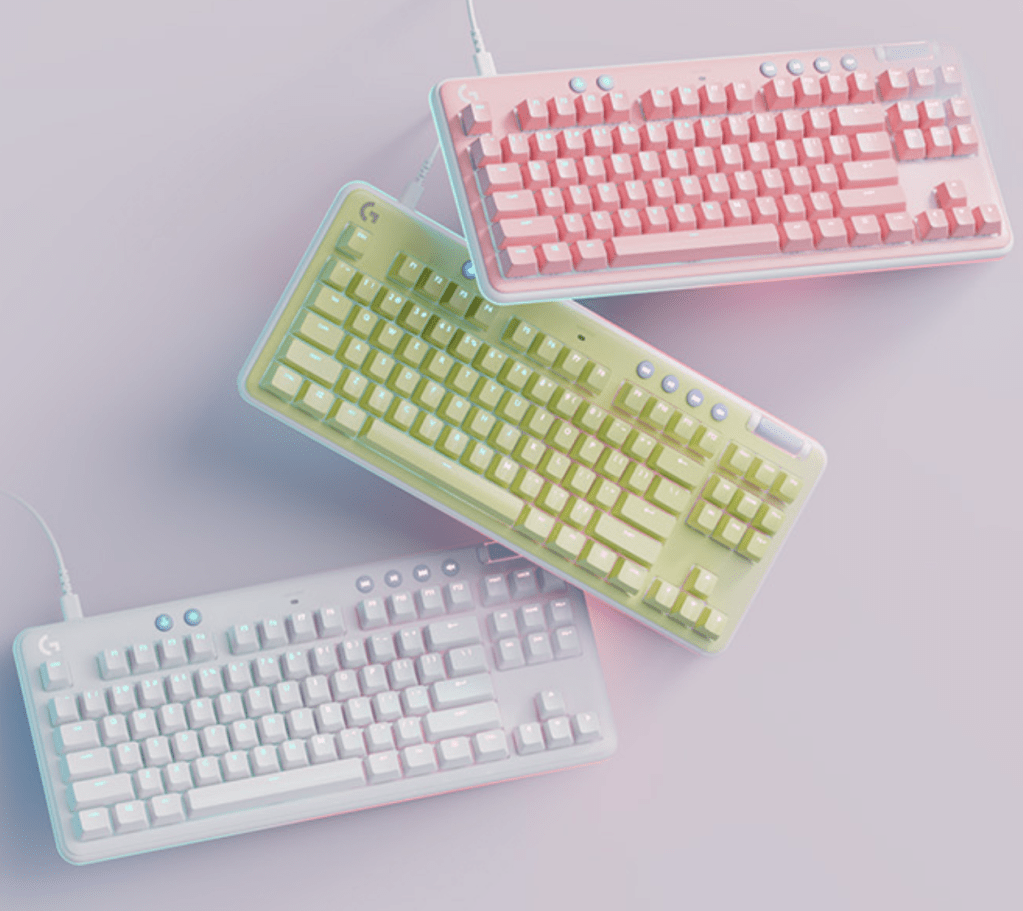
Logitech is one of the leading developers of mechanical gaming keyboards, as well as a top seller on Amazon. Moreover, they offer a unique range of color options, so you are able to design a keyboard that best fits your gaming aesthetic, either with the top plate or key caps.
The Logitech G715 Mechanical Keyboard offers a variety of options for gamers to select and customize based on the gaming and typing experience prefered. They allow shoppers to select either a wireless keyboard (G715) or wired (G713) and the typing effect (i.e. switch). Furthermore, on Amazon, you can choose to purchase a set, which includes the Logitech keyboard, mouse and wrist rest pad.
My first time browsing through these options left me a bit confused. As a beginner, searching through keyboard features, I was unsure what the terms Clicky, Linear, and Tactile meant. In this post, I want to explain these switches to help you confidently select the proper features of the Logitech mechanical keyboard.
Types of Switches: Tactile, Linear, Clicky
Tactile: Tactile gives you feedback you can feel. While most tactile switches do not have a clicking sound, some provide a slight noise. The main purpose of tactile is to verify to gamers that their strokes are being logged. Gamers can feel the keystroke bump. Tactile is recommended for gamers just starting out and for those transitioning from a traditional membrane keyboard to a mechanical keyboard.
Linear: Linear is quiet and low-friction with smooth keystrokes, consistent throughout the entire movement . Linear switches are primarily used for gamers that prefer more precision and who play more advanced games.
Clicky: Clicky is the classic gamers’ favorite with the most feedback. Clicky keyboards offer the strongest bump, serving to let gamers know that their keystrokes are being logged. They are also loud, which can be a fun feature. However, before you invest in a clicky keyboard, consider these factors; if you have roommates and if the noise would bother them; also, if you need to do work in public spaces; and if you game online, the noise of the keystrokes may catch on the mic. These types of switches are recommended for casual gamers and students.
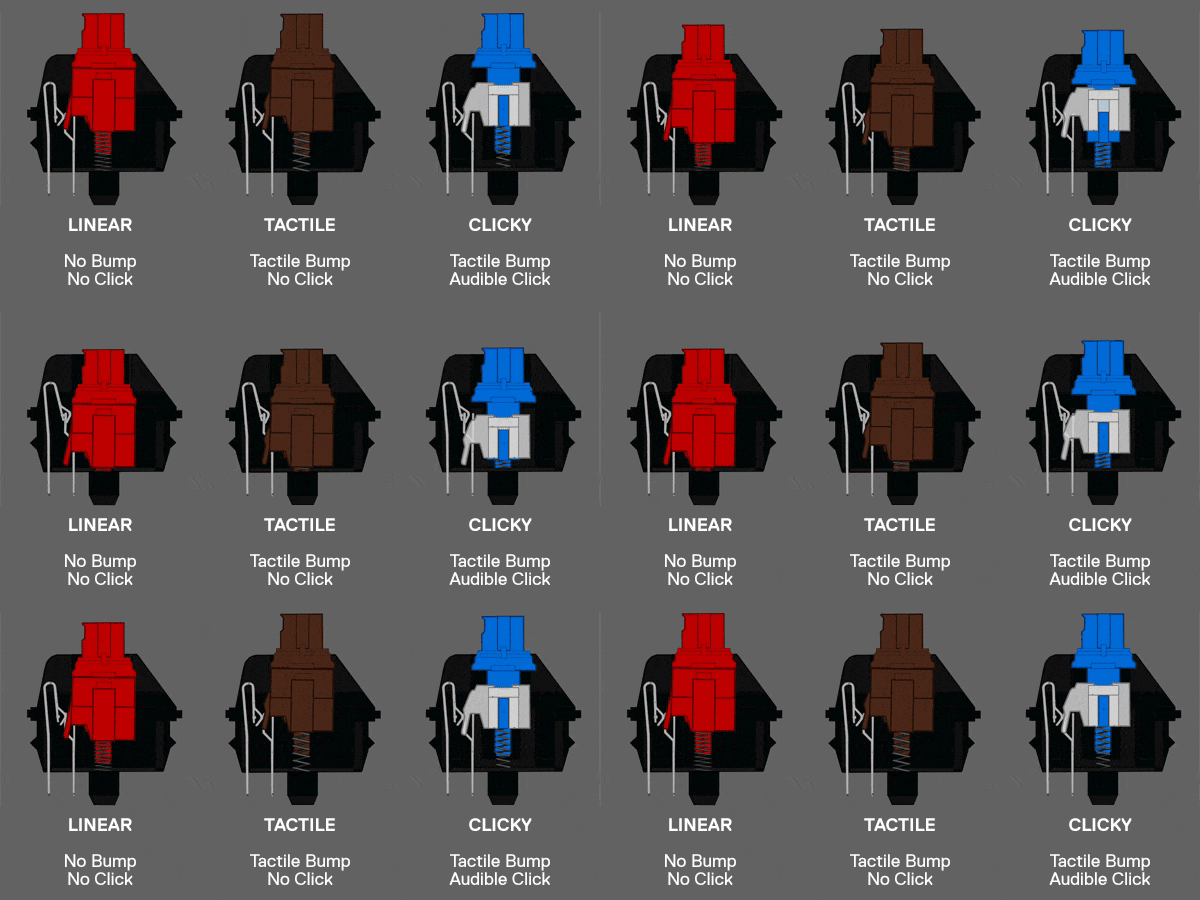
Source: Marvo Pro
Switches are easy to interchange, and though you decide on one type of keyboard experience, you can alter it down the road. If the Clicky switches become an irritant, you can swap it out for Tactile, it will just be an additional expense.
Check out the Logitech G715 Mechanical Keyboard and let me know your thoughts of each switch option!
 Her Space
Leave a comment